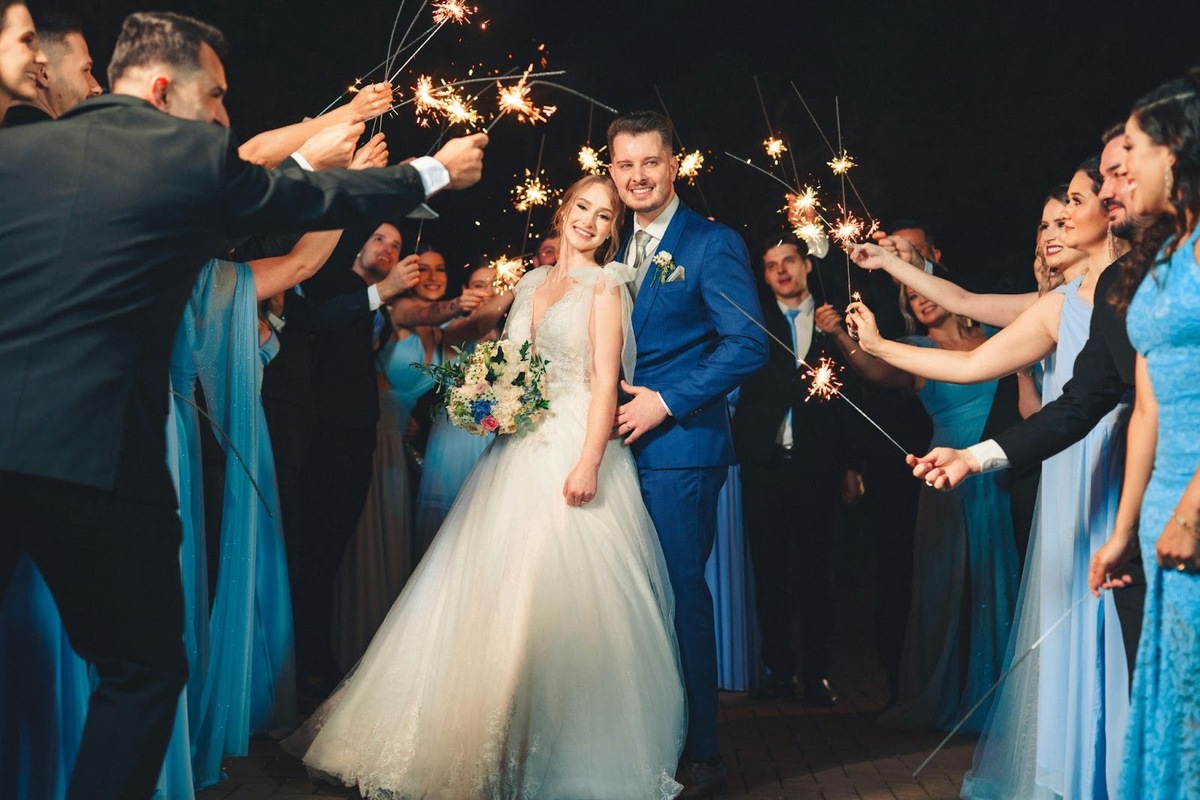
A love story video has become a popular and much-anticipated element of the wedding dinner. Many couples now choose to create their wedding slideshow themselves. It allows them to stay close to the story they want to tell and keep the tone personal and heartfelt. The good thing about slideshows is that you do not need professional editing skills to achieve a beautiful result. There are lots of slideshow programs for Windows 11 and other computers that make it easier than ever to combine photos, music, and effects into a polished presentation.
What matters most is not flashy visuals or complicated transitions, but an inspiring and authentic atmosphere. Below, you will find practical tips on choosing photos, structuring your slideshow, selecting music and using effects wisely, along with an overview of popular slideshow software to help you get started. Let’s take a look at them right now!
Choosing the Right Photos for Your Wedding Slideshow
One of the most important wedding slideshow tips is to focus on quality rather than quantity. A slideshow that lasts between five and eight minutes usually works best for a wedding reception. That means selecting around 40 to 70 photos, depending on how long each image is shown.
A helpful way to begin is by grouping your images into themes. Here are a couple of examples you might find suitable:
Childhood and early years
A small selection of childhood photos helps introduce your story. These images do not need to be perfect. Candid moments, family snapshots or holiday photos often feel more genuine and engaging than formal portraits.
Teenage years and early adulthood
This stage bridges your individual stories with the life you built together. Friends in the room will often recognise these moments. One or two images per person are usually enough to keep the pace flowing.
Meeting and early relationship
Photos from when you first met or started dating form the emotional heart of the slideshow. Even casual phone photos work well here, as they reflect real moments and emotions.
Travels and shared experiences
Holidays, weekend trips and everyday snapshots show how your relationship developed over time. These images often bring warmth, humour and personality to your wedding video.
Engagement and lead-up to the wedding
End with engagement photos or recent images that naturally lead into the wedding day. This creates a sense of anticipation and ties the slideshow neatly into the celebration itself!
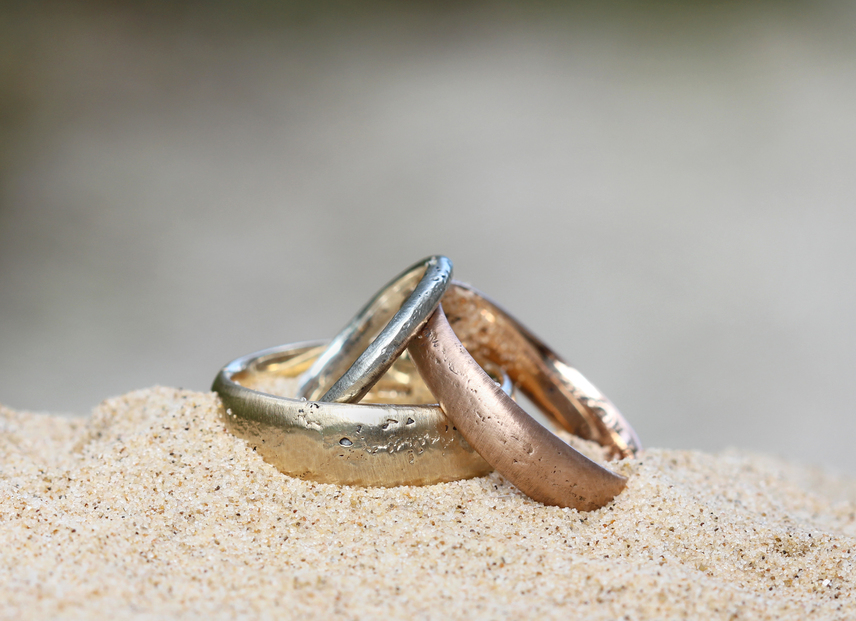
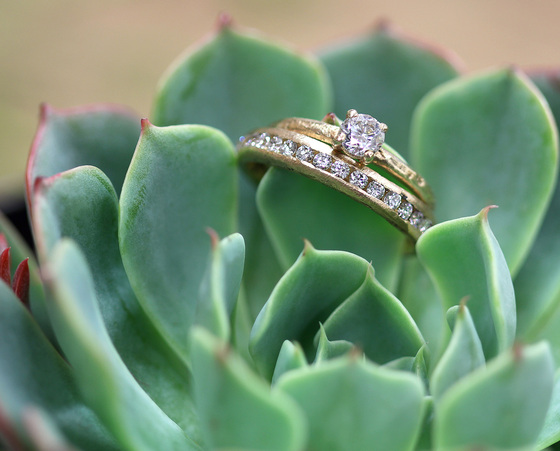
Close-up shots of meaningful details, such as preset engagement rings, can add a personal touch and create a natural transition into the celebrations that follow.
How to Structure a Wedding Slideshow
A clear structure helps guests follow your story without effort. One of the most effective formats for a love story slideshow is “Meeting > Proposal > Wedding”.
You can begin with your separate lives, then move into how you met and built your relationship. Allow this section time to breathe, as it carries much of the emotion. From there, build towards the proposal and finish with pictures that connect directly to the wedding day.
You may choose to include simple title slides, but they are not essential. Often, the combination of photos and music is enough to guide the viewer. Make sure to keep the pacing steady and allow each photo to linger long enough to be appreciated.
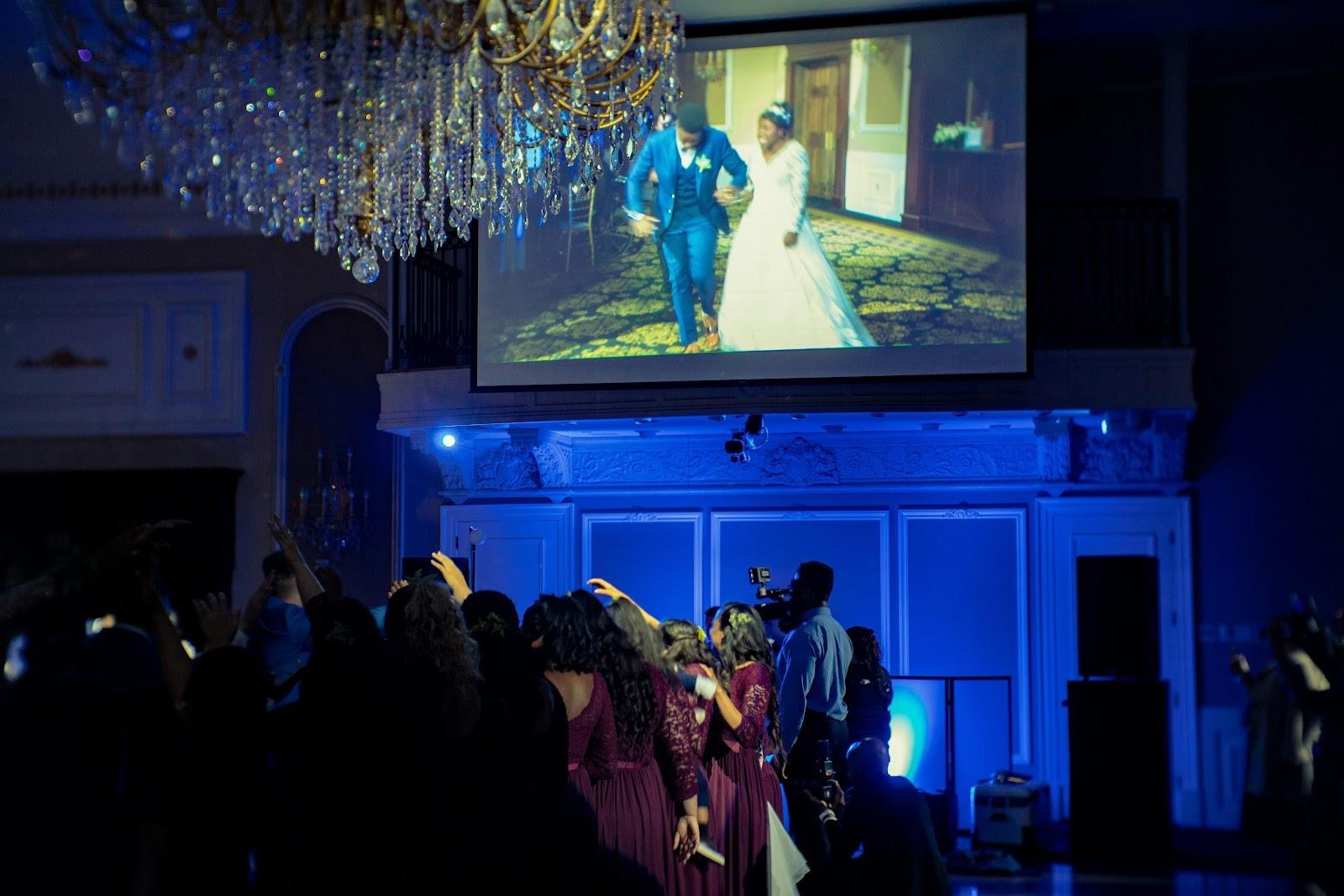
Choosing the Right Music for Your Wedding Slideshow
Music plays a crucial role in setting the mood. It’s better to choose a track that feels meaningful to you as a couple but is also suitable for a mixed audience.
For instance, acoustic songs, soft pop, piano pieces or instrumental versions of favourite tracks often work beautifully. Lyrics can be powerful, but make sure they support the visuals rather than compete with them.
Some couples use one song throughout, while others choose two tracks, with a gentle transition as the story moves forward. So, it’s up to you. Also, you should always test the volume in the venue if possible.
Avoid Overusing Effects and Transitions
When learning how to make a wedding slideshow, it is tempting to try every effect available. However, subtlety is your friend. Too many animations can distract from the photos and make the presentation feel busy.
Simple fades, slow zooms and gentle pans are usually all you need. Choose a consistent style and use it throughout. Avoid novelty transitions, dramatic spins or flashing effects, as these can feel out of place in a wedding setting.

Popular Software for Creating a Wedding Slideshow
There are many tools available to suit different experience levels and creative preferences. We’ve handpicked 5 go-to options you can choose from.
1. SmartSHOW 3D
SmartSHOW 3D is designed specifically for creating photo slideshows. It offers ready-made wedding templates, smooth animations and easy controls. A notable feature is its built-in music selection for events such as birthdays and weddings, which simplifies the process for couples creating their slideshow themselves. What’s more, it can automatically sync the song with the slides. Just a few clicks, and a slideshow is ready!
2. Adobe Premiere Elements
From Adobe, this program offers more control over editing and timing while remaining more accessible than professional video tools. It suits couples who enjoy hands-on editing and want greater flexibility.
3. Canva
Canva is a browser-based option with drag-and-drop simplicity. It works well for short, stylish wedding slideshows and is ideal for beginners. But it requires an Internet connection and might feel basic.
4. Microsoft Photos
Part of the Windows system by Microsoft, this tool allows you to create very simple slideshows quickly. It is easy to use but limited in creative options.
5. iMovie
iMovie offers polished templates and smooth music syncing. It is a good choice for couples already using Mac or iOS.
Conclusion
A wedding slideshow does not need to impress. It needs to connect. Just focus on meaningful moments, and the result will feel natural and moving. If a photo makes you smile or brings back a feeling, it will likely do the same for your guests. So, keep it simple, keep it honest, and let your love story speak for itself.
.jpg)
.jpg)
.jpg)