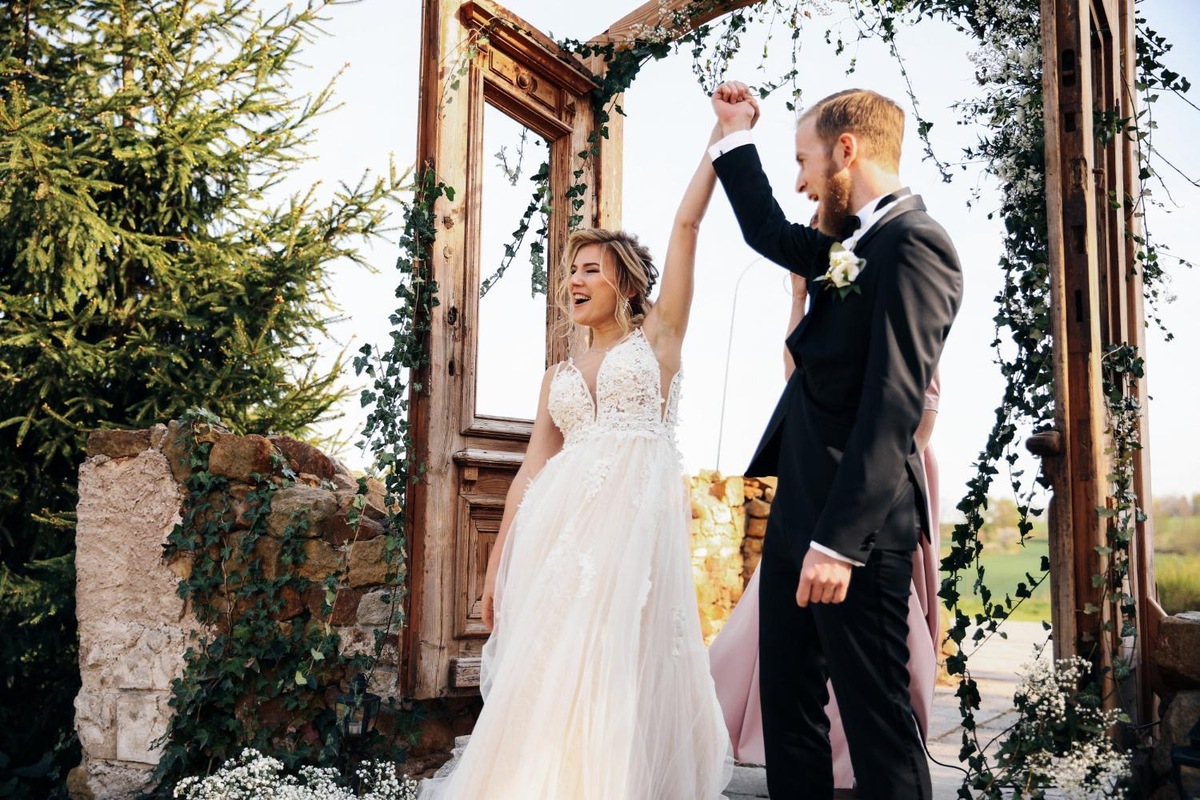
Lights, Camera, Romance
So, the confetti has settled. Your phone is bursting with clips. The professional photos are stunning, but that raw, joyful video footage... it’s just sitting there. Hiring an editor feels like a big expense now the main day is over. What if you could weave those moments together yourself? To create something truly personal, not just a record, but a story.
Perhaps it's your own wedding and you want the deeply personal joy of forming your own memories. Or it's for your closest friends and you want to make the most sincere present. Taking the reins means the film echoes with your shared laughter, your inside jokes, the tiny details only you noticed. It’s daunting, but deeply rewarding. Let’s roll up our sleeves and turn those clips into a cinematic keepsake.
Get the Technical "Boring" Bits Right First
Before you start playing around with slow-motion kisses or epic music, you need to handle the visual housekeeping. If your footage looks messy, the whole film feels amateur. This is the stage where you polish the "look" of your video.
Clean Up the Frame
Different cameras and phones often record in varying shapes. This can lead to those annoying black bars on the sides or top of your screen. To make it look like a real cinema production, you should remove black bars from your video so the image fills the screen perfectly. It’s a small tweak that makes a world of difference.
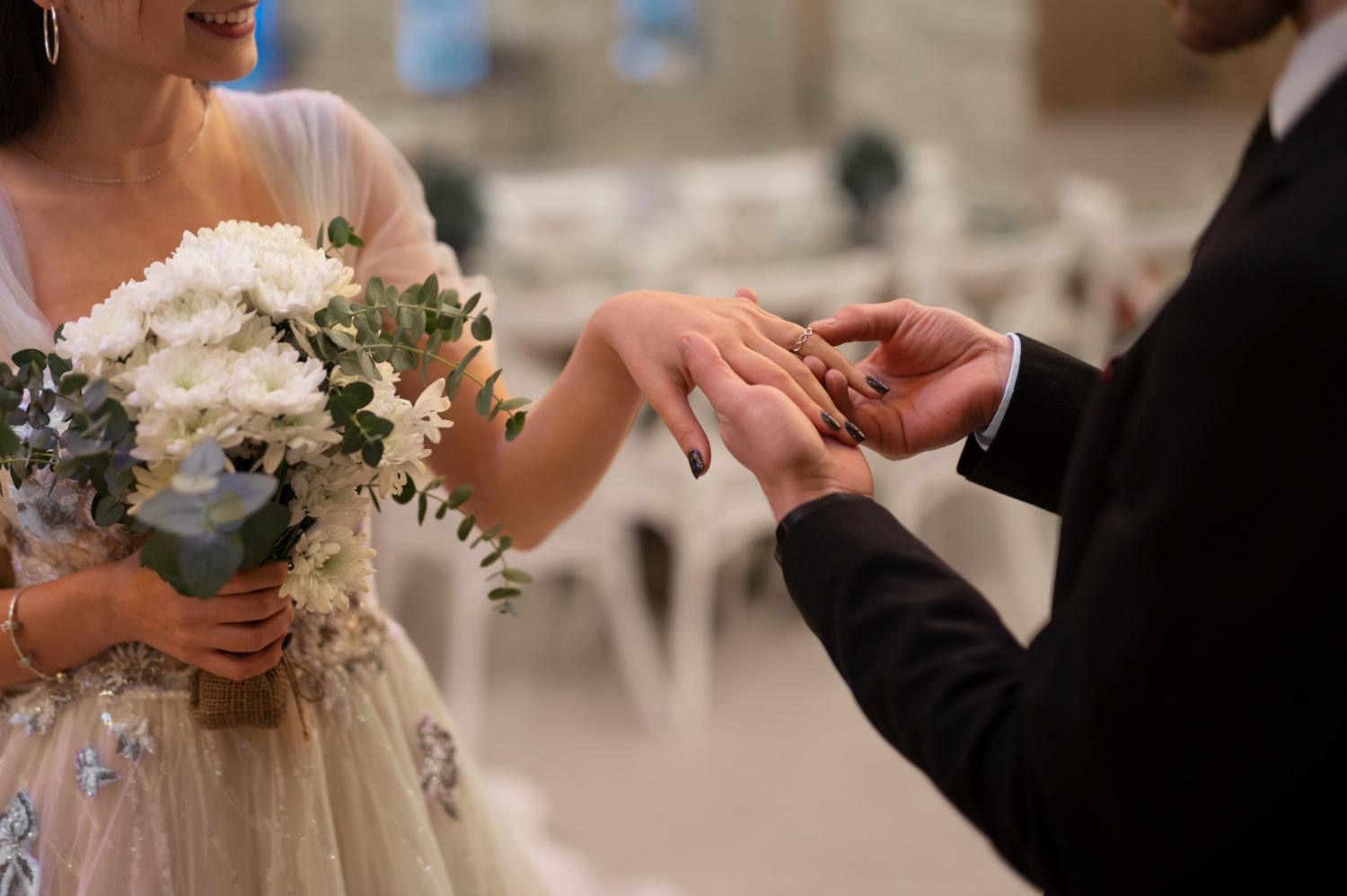
Crop and compose with intention
Centre the couple in each shot using the rule of thirds. Crop out photobombers lingering at frame edges. Straighten tilted horizons—especially in outdoor ceremony shots. If footage feels shaky, apply subtle stabilisation. Most editors include one-click stabilisation tools that smooth handheld wobbles without creating that unnatural floating effect.
Correct colour consistently
The first step is to properly expose all your subjects and make sure they all have natural skin color by properly adjusting their white balance. Normally, outside videos will require a little bit of a warm adjustment and inside videos taken at night will usually look better with cooler colors than they would with warm colors. Consistency in color is also important when it comes to matching clips from different devices—the difference between editing footage on your phone and hiring a professional videographer will be noticeable. Avoid using filters—subtle and natural grades are much better than trendy looks.
Adjust speed for emotional impact
Slow motion works beautifully for first kisses, confetti throws or the first dance—but use it sparingly. One or two slow-motion sequences carry more weight than ten. Conversely, speed up transitional moments like guests moving between ceremony and reception. This maintains energy without dragging pacing.
Organize the Chaos
You probably have hundreds of clips scattered across different devices. If you just start dragging them into a timeline, you’ll lose your mind within twenty minutes.
Start by creating "bins" or folders for the different parts of the day:
-
The Build-Up: Getting Ready, Hair & Makeup, Nervous Groom.
-
The Main Event: Ceremony, Vows & Walking Back Down Aisle.
-
The Social Hour: Drinks, Embraces & "Formal" Photos.
-
The Speeches: Laughter & Crying.
-
The Party: Cutting Cake, First Dance & Late Night Chaos.
Make one pass through all your material and toss out the trash — the blurry shots, the footage of the floor, and the clips where someone’s finger is covering the lens.
Build Your Story (The Assembly Edit)
Now, don’t try to be perfect yet. This stage is what pros call an "Assembly Edit." You’re just laying the clips in order to see if the story flows.
A good wedding movie follows a narrative. It shouldn't just be a random collection of clips. Think about the "arc" of the day. Start with the quiet, morning light and the anticipation. Move through the high stakes of the ceremony, and end with the release of the party. If you recorded the speeches, overlay the best lines as a voiceover. The bridegroom saying "I don’t believe how lucky I am" and a shot of the bride laughing is pure editing gold.
Master the "Fine Cut"
Once the story is there, it’s time to trim. This is where you get ruthless. If a shot is five seconds long but the action is over in two, cut it.
Try to use a mix of shot types to keep the viewer’s eye moving:
-
Wide Shots: Show the beautiful venue or the whole crowd.
-
Medium Shots: Perfect for capturing the wedding party.
-
Close-ups: Focus on the rings, the tears, or the flowers.
Avoid using fancy, "cheesy" transitions. You don't need stars or wipes. A simple "cross-dissolve" (where one shot fades into the next) is all you need for romantic moments. For everything else, a "hard cut" is actually what looks most professional.
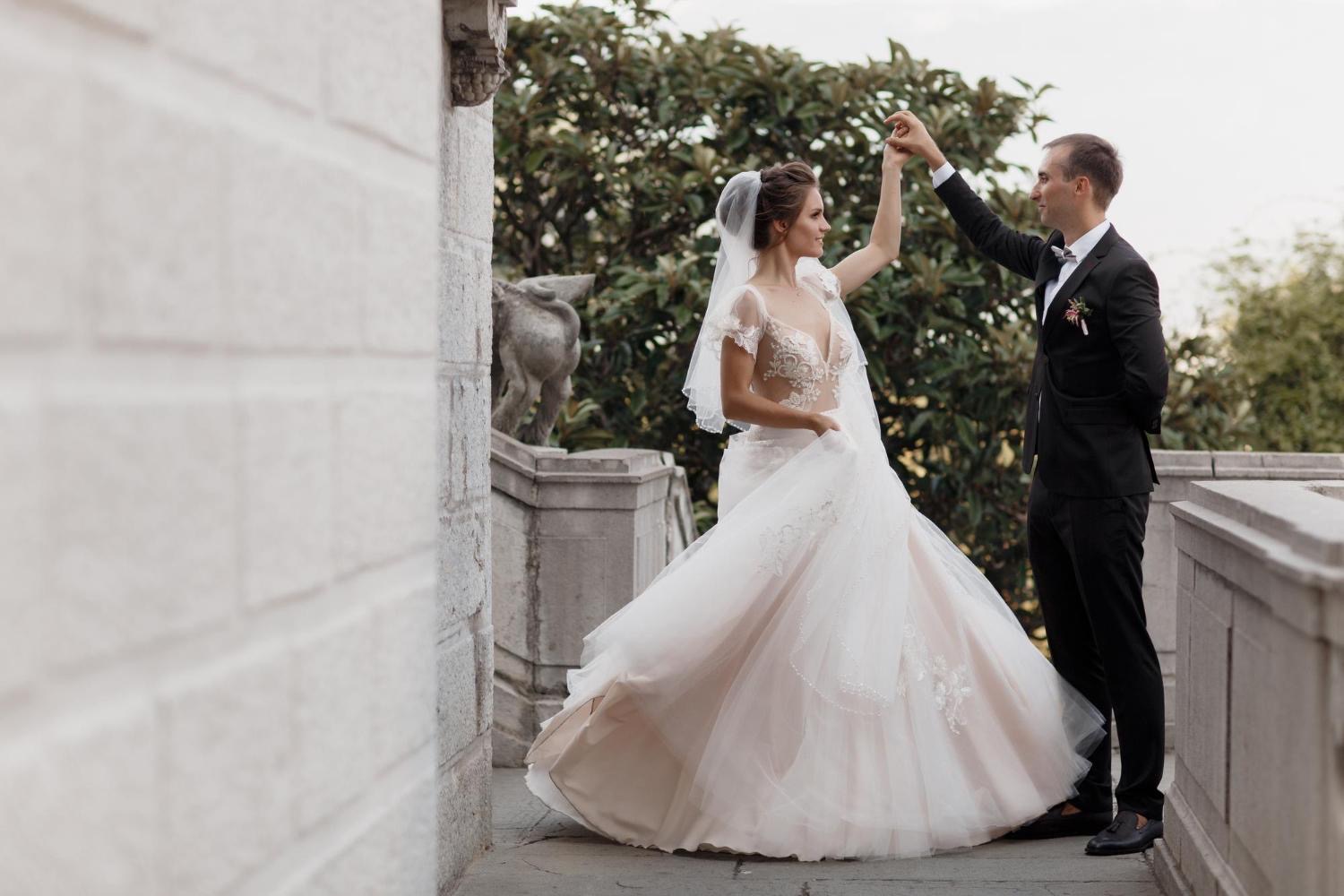
Picking the Right Soundtrack
Music is the soul of the film, but it shouldn’t be an afterthought. The tempo of your music should dictate the speed of your editing.
-
For the morning prep: Go for something light and acoustic.
-
For the ceremony: Instrumental tracks usually work best so they don't compete with the vows.
-
For the highlights: Choose a song that actually means something to the couple.
A good tip is to make your cuts on the beat of the music. If the drum starts or the melody switches, that’s your cue to cut to a new scene. It makes the video feel “snappy” and well done.
Sorting Out the Sound
We’ve all seen videos where you can’t hear the vows because the wind is howling. If your audio is a bit rough, don't panic. You can use background music to "mask" some of that ambient noise.
If the speech audio is clear but the video is a bit shaky, you can keep the audio playing while showing "B-roll"—footage of the guests reacting, people clumping their glasses, or the couple holding hands. This keeps the emotion of the words while hiding the less-than-perfect video.
The Finishing Touches
Before you hit "Export," watch the whole thing from start to finish. Is it too long? You can usually tell when an audience has started to drift after 10 or 15 minutes, so try and keep your "Feature" film snappy and your "Highlight" reel about 3 to 5 minutes.
Add a simple title card at the start with the couple’s names and the date. Keep the font clean and elegant—nothing ruins a cinematic vibe like a wacky font.
Editing a wedding video by yourself is an enormous challenge, but with the help of a reliable video editor, the process becomes much more manageable. Thinking of the looks on the couple’s (or finally, your spouse’s!) faces as they watch their special day, every minute spent at the computer will no longer be a burden to you but a really great memory. You don’t just create a video; you immortalize the emotions.

.jpg)
.jpg)
.jpg)